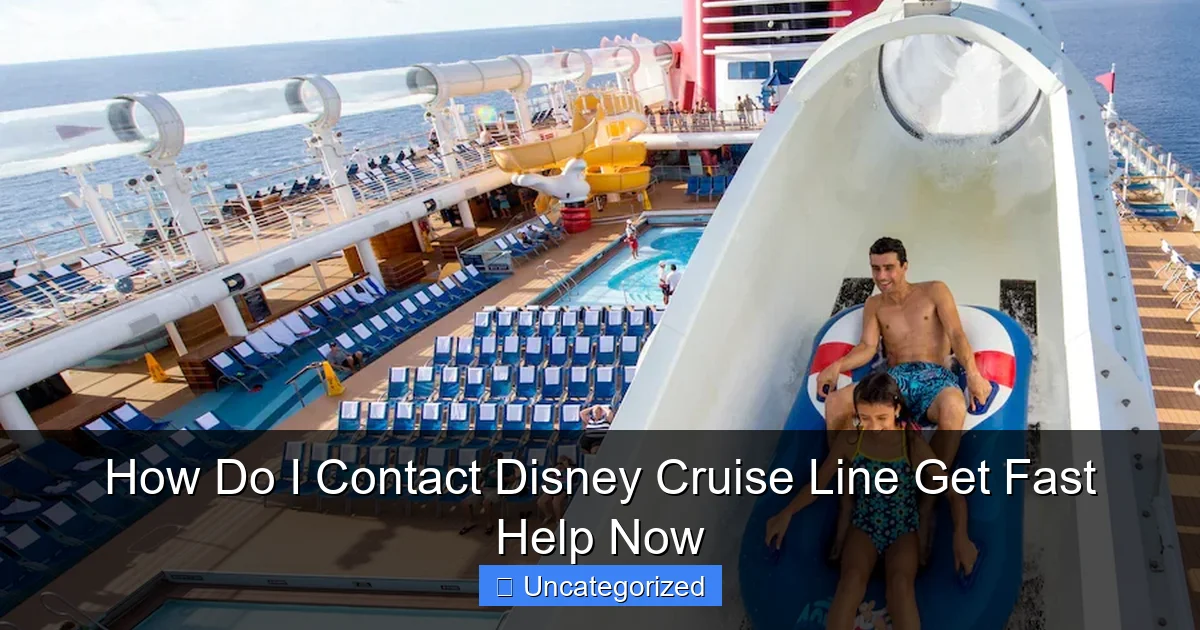
Featured image for how do i contact disney cruise line
Image source: secure.cdn1.wdpromedia.com
Contact Disney Cruise Line instantly by calling their 24/7 customer service at 1-800-951-3532 for immediate assistance with bookings, itineraries, or onboard concerns. For faster help, use their online chat feature or log in to your Disney Cruise account to access personalized support and FAQs.
Key Takeaways
- Call 1-800-951-3532 for immediate Disney Cruise Line assistance.
- Use online chat via the official website for quick support.
- Email support is ideal for non-urgent inquiries and documentation.
- Log in to My Disney Cruise for personalized help and booking updates.
- Follow @DisneyCruise on social media for real-time updates and tips.
- Visit FAQs first to resolve common issues without waiting.
📑 Table of Contents
- How Do I Contact Disney Cruise Line? Get Fast Help Now
- 1. Contact Disney Cruise Line by Phone: The Fastest Way to Get Help
- 2. Use the Disney Cruise Line Website and Online Portal
- 3. Leverage the Disney Cruise Line App for Real-Time Assistance
- 4. Email and Social Media: When to Use These Channels
- 5. Specialized Support: Accessibility, Groups, and International Guests
- 6. Pro Tips for Faster, More Effective Support
- Conclusion
How Do I Contact Disney Cruise Line? Get Fast Help Now
Planning a magical vacation with Disney Cruise Line is an exciting endeavor, filled with dreams of enchanting destinations, beloved characters, and unforgettable onboard experiences. Yet, even the most meticulously planned cruise can come with questions, concerns, or last-minute changes. Whether you’re trying to modify your itinerary, resolve a payment issue, or simply confirm your stateroom assignment, knowing how to contact Disney Cruise Line efficiently is essential to ensuring your journey is as smooth and stress-free as possible.
With multiple contact methods, dedicated support teams, and a range of digital tools at your fingertips, Disney Cruise Line offers several ways to get the help you need—fast. From phone support and email to live chat and social media, understanding your options can make all the difference. This comprehensive guide will walk you through every available method to contact Disney Cruise Line, provide insider tips to save time, and help you navigate customer service like a pro. Whether you’re a first-time cruiser or a seasoned Disney traveler, this article is your go-to resource for getting fast, reliable assistance.
1. Contact Disney Cruise Line by Phone: The Fastest Way to Get Help
When it comes to urgent matters or complex questions, calling Disney Cruise Line directly remains the most effective and immediate way to receive personalized assistance. The company offers dedicated phone lines for different types of inquiries, ensuring you reach the right department without unnecessary transfers.
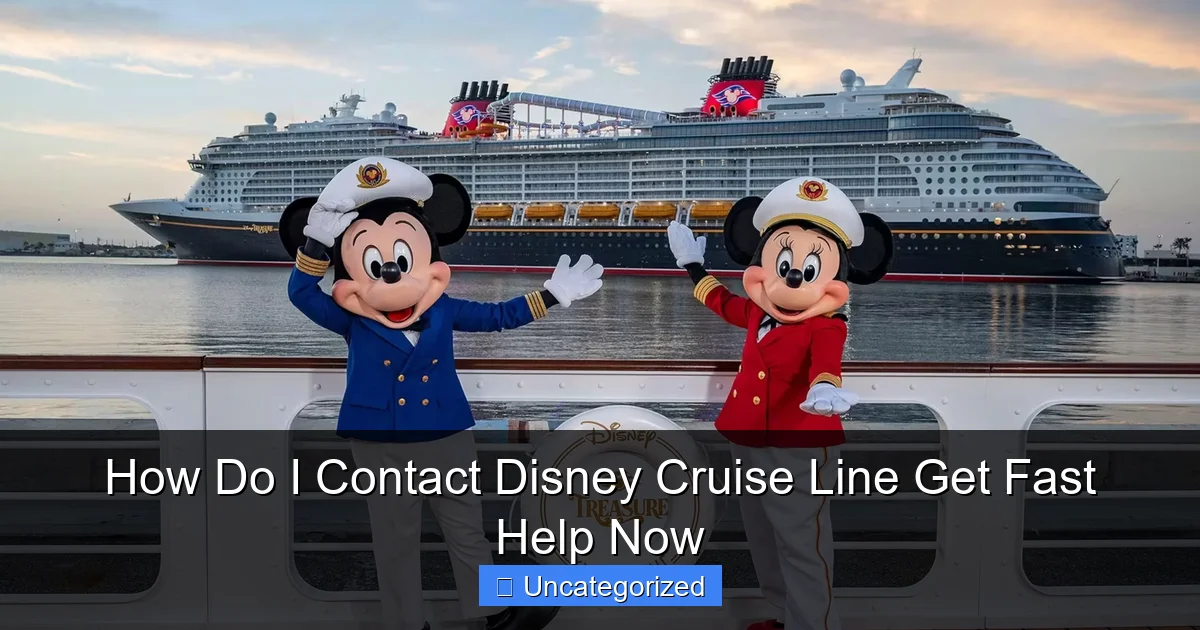
Visual guide about how do i contact disney cruise line
Image source: mickeyblog.com
Primary Customer Service Numbers
- General Inquiries & Reservations: 1-800-951-3532 (available from 8:00 AM to 10:00 PM ET, Monday–Friday; 8:00 AM to 8:00 PM ET, Saturday–Sunday)
- Existing Reservations & Modifications: 1-800-951-3532 (same hours as above)
- Special Needs & Accessibility Requests: 1-800-422-7601 (8:00 AM–8:00 PM ET, Monday–Friday)
- Group Bookings (10+ guests): 1-800-376-7684 (8:00 AM–8:00 PM ET, Monday–Friday)
- International Guests: Visit disneycruise.com for country-specific numbers (e.g., UK: 0800 171 2317)
Pro Tip: Call early in the day (before 10 AM ET) to avoid long hold times. Peak hours (11 AM–3 PM) often see higher call volumes, especially during booking seasons like summer and holidays.
What to Prepare Before Calling
- Your booking confirmation number (found in your confirmation email or online account)
- Your date of birth (for security verification)
- A list of specific questions or requests (e.g., “I need to change my stateroom,” “Can I add a dining reservation?”)
- Your cruise date and itinerary (e.g., “Disney Magic, 7-night Eastern Caribbean, departing July 15, 2024”)
For example, if you’re trying to add a Royal Gathering dining experience after booking, having your confirmation number and cruise details ready will help the agent process your request in under 10 minutes—saving you time and frustration.
After-Hours and Emergency Support
If you’re calling outside regular business hours or need assistance while on a cruise, Disney offers an Onboard Guest Services line. While you’re on the ship, dial 555 from your stateroom phone or visit the Guest Services desk on Deck 3 (forward). For emergencies (e.g., medical issues), crew members are trained to respond immediately, and the ship’s medical center is staffed 24/7.
Note: For non-urgent issues after hours, you can also leave a message via the Disney Cruise Line app or email, and a representative will respond the next business day.
2. Use the Disney Cruise Line Website and Online Portal
The Disney Cruise Line website (disneycruise.com) is a powerful self-service hub designed to help you manage nearly every aspect of your cruise—without needing to pick up the phone. From modifying reservations to accessing digital boarding documents, the online portal is a must-use tool.
Access Your Online Account
- Go to disneycruise.com and click “Sign In” at the top right.
- Log in using your Disney account (the same one used for Disney World or Disneyland).
- If you don’t have an account, click “Create Account” and follow the prompts.
Once logged in, you’ll see your Cruise Dashboard, which includes:
- Booking details (itinerary, stateroom, guests)
- Check-in status and required documents
- Excursion bookings
- Dining reservations
- Payment schedule and balance
Common Tasks You Can Do Online
- Modify your cruise: Change stateroom, add guests, or adjust dining preferences (subject to availability).
- Complete online check-in: Upload passport, emergency contacts, and health forms. This must be done 30 days before departure.
- Book shore excursions: Choose from snorkeling, cultural tours, and character meetups at ports.
- Manage payments: View invoices, make partial payments, or set up automatic billing.
- Submit special requests: Wheelchair access, dietary needs (e.g., gluten-free, vegan), or birthday celebrations.
Example: A guest wants to change from a standard stateroom to a verandah room. By logging into their account, they can view available upgrades, compare prices, and complete the change in under 5 minutes—no phone call needed.
Contact via Website Forms
If you prefer written communication, the website offers several contact forms:
- General Inquiries: For non-urgent questions about policies, itineraries, or promotions.
- Accessibility Requests: Submit detailed needs for mobility, hearing, or visual impairments.
- Group Booking Requests: Ideal for weddings, family reunions, or corporate events.
Responses typically arrive within 24–48 hours. For faster help, always include your booking number and a clear subject line (e.g., “Request for Stateroom Upgrade – Booking #DC123456”).
3. Leverage the Disney Cruise Line App for Real-Time Assistance
The Disney Cruise Line Navigator app is more than just a digital itinerary—it’s a real-time communication tool that keeps you connected to Guest Services, entertainment, and onboard activities. Available for iOS and Android, the app is free and essential for cruisers.
Key Features for Contacting Support
- Live Chat: Tap “Guest Services” in the app to chat with a representative. Available from 8:00 AM to 10:00 PM ET (same as phone support).
- Push Notifications: Get instant alerts for itinerary changes, port arrival times, or special events.
- Digital Boarding Pass: Store your cruise card, passport, and health forms securely.
- Onboard Messaging: Send messages to crew members (e.g., housekeeping, dining staff) for quick requests.
<
Pro Tip: Download and log in to the app before your cruise. This allows you to complete check-in early and avoid long lines at the port. During the cruise, use the app’s “Find Me” feature to locate family members on the ship.
How to Use Live Chat Effectively
- Open the app and tap “Guest Services” > “Chat with Us.”
- Describe your issue clearly: “I need to change my dinner time from 5:45 PM to 8:15 PM for July 16.”
- Attach photos if needed (e.g., a damaged stateroom item).
- Save the chat transcript for future reference.
Live chat is ideal for quick fixes (e.g., changing dining times, reporting a minor issue) and usually resolves issues in under 15 minutes.
App-Only Perks
- Mobile Check-In: Skip the line at the port by checking in via the app.
- Onboard Purchases: Pay for spa services, merchandise, or excursions with your linked payment method.
- Entertainment Schedule: View showtimes, character meetups, and deck parties in real time.
For example, if you want to book a last-minute Bibbidi Bobbidi Boutique appointment for your child, the app lets you check availability and reserve a slot instantly—no phone call or in-person visit required.
4. Email and Social Media: When to Use These Channels
While phone and app support are best for urgent issues, email and social media are excellent for non-urgent inquiries, feedback, or detailed requests that require documentation.
Email Support
Disney Cruise Line’s primary email for general inquiries is [email protected]. Use this for:
- Questions about future itineraries
- Requests for promotional materials
- Feedback on past cruises
- Complex requests (e.g., medical accommodations, visa documentation)
Email Tips:
- Use a clear subject line: “Question About 2025 Alaska Cruise – Booking #DC789012”
- Attach relevant documents (e.g., passport copy, medical note)
- Expect a response within 48–72 hours
- For urgent issues, call instead—email is not monitored 24/7
Example: A guest with a peanut allergy emails [email protected] to request a special menu. The response includes a detailed allergen guide and a promise to coordinate with the head chef.
Social Media Channels
Disney Cruise Line is active on several platforms, but response times vary:
- Facebook: @DisneyCruiseLine – Best for public questions and feedback. Responses typically within 24 hours.
- X (Twitter): @DisneyCruise – Ideal for quick, public inquiries. Use hashtags like #DisneyCruiseHelp for visibility.
- Instagram: @disneycruise – Primarily for inspiration, but you can DM for non-urgent requests.
Pro Tip: For sensitive issues (e.g., billing errors), avoid public posts. Instead, send a direct message (DM) with your booking number and a brief description. A representative will reply within 24 hours.
Example: A guest tweets, “@DisneyCruise Can you confirm if the ‘Frozen’ stage show is on the Disney Wish in August?” The response arrives in 2 hours with a link to the entertainment schedule.
5. Specialized Support: Accessibility, Groups, and International Guests
Disney Cruise Line goes above and beyond to serve diverse guest needs, with dedicated teams for accessibility, group bookings, and international travelers.
Accessibility Services
- Contact: 1-800-422-7601 or [email protected]
- Services Offered: Wheelchair-accessible staterooms, sign language interpreters, visual alert systems, and dietary accommodations.
- Documentation Required: Submit a Guest Accessibility Form at least 30 days before departure.
Tip: Request a Port Accessibility Guide for details on wheelchair access at each destination.
Group Bookings (10+ Guests)
- Contact: 1-800-376-7684 or [email protected]
- Perks: Dedicated group coordinator, block staterooms, private events, and customized excursions.
- Process: Submit a Group Booking Request Form online or via email.
Example: A family of 12 books a cruise for a reunion. The group coordinator arranges a private dinner, a group photo session, and a reserved deck area for daily gatherings.
International Guests
Disney Cruise Line has regional offices to support non-U.S. guests:
- UK & Ireland: 0800 171 2317 | [email protected]
- Australia: 1800 812 922 | [email protected]
- Canada: 1-800-951-3532 (same as U.S.)
Tip: International guests should confirm visa requirements, currency exchange options, and local port regulations with their regional office.
6. Pro Tips for Faster, More Effective Support
Even with the right contact method, a few strategies can help you get help faster and avoid common pitfalls.
Be Prepared and Specific
- Have your booking number, cruise date, and guest names ready.
- State your goal clearly: “I need to change my stateroom from 5542 to a verandah room on Deck 8.”
- Ask for a reference number for changes (e.g., “Can you provide a confirmation code for this dining change?”).
Use the Right Channel
- Urgent issues (e.g., missed port, medical): Call or use the app’s live chat.
- Complex requests (e.g., group bookings, accessibility): Email or call the specialized line.
- General questions: Website or app.
Follow Up and Document
- Save emails, chat transcripts, and call notes.
- If a request isn’t resolved, call back and reference the previous interaction.
- For billing issues, request a detailed invoice and keep records.
Data Table: Average Response Times by Contact Method
| Contact Method | Best For | Average Response Time | Availability |
|---|---|---|---|
| Phone | Urgent changes, complex issues | Immediate (during hours) | 8 AM–10 PM ET (Mon–Fri); 8 AM–8 PM ET (Sat–Sun) |
| App Live Chat | Quick fixes, onboard requests | 2–10 minutes | 8 AM–10 PM ET |
| Documentation-heavy requests | 48–72 hours | 24/7 (responses during business hours) | |
| Social Media (DM) | Non-urgent public questions | 24 hours | Monitored daily |
| Onboard Guest Services | Emergencies, immediate needs | Instant (via stateroom phone) | 24/7 |
By choosing the right method and preparing in advance, you’ll spend less time waiting and more time enjoying your Disney cruise.
Conclusion
Knowing how to contact Disney Cruise Line effectively is the key to a stress-free and magical vacation. Whether you need to modify a reservation, resolve a billing issue, or request special accommodations, the company offers multiple fast, reliable channels—from phone support and the online portal to the Navigator app and social media. By understanding when to use each method, preparing your details in advance, and leveraging the tools at your disposal, you can get the help you need in record time.
Remember: urgent issues call for phone or app chat, while non-urgent or complex requests are best handled via email or the website. For accessibility, group bookings, or international needs, specialized support teams are ready to assist. With this guide in hand, you’re equipped to navigate any challenge and focus on what truly matters—creating unforgettable memories with your loved ones on a Disney cruise. So go ahead, set sail with confidence, and let the magic begin!
Frequently Asked Questions
How do I contact Disney Cruise Line for urgent assistance?
For immediate help, call Disney Cruise Line’s 24/7 customer service at 1-800-951-3532. Their team can assist with booking changes, emergencies, or onboard needs. Keep your reservation number handy for faster service.
What’s the best way to get fast help from Disney Cruise Line?
The fastest way to get help is via phone (1-800-951-3532) or the Disney Cruise Line Navigator app, which offers live chat for existing guests. For non-urgent inquiries, email is available but may take 24-48 hours to respond.
Can I contact Disney Cruise Line through social media?
Yes! Reach out via Facebook (@DisneyCruiseLine) or Twitter (@DisneyCruise) for general questions or public assistance. For private matters (e.g., reservations), direct messaging is recommended—include your booking details for a quicker reply.
Is there a dedicated email to contact Disney Cruise Line?
Disney Cruise Line doesn’t list a public email, but you can submit inquiries via their online contact form. Responses typically take 1-2 business days. For urgent issues, call instead.
How do I contact Disney Cruise Line from outside the U.S.?
International guests can call Disney Cruise Line’s dedicated line at +1-407-566-7002 (charges may apply). The website also offers region-specific contact options—check the “Help” section for local resources.
Where can I find Disney Cruise Line’s mailing address?
For written correspondence, mail to: Disney Cruise Line, Attn: Guest Communications, P.O. Box 10210, Lake Buena Vista, FL 32830. Note: This is slower than phone/online options—use it for formal requests or document submissions.