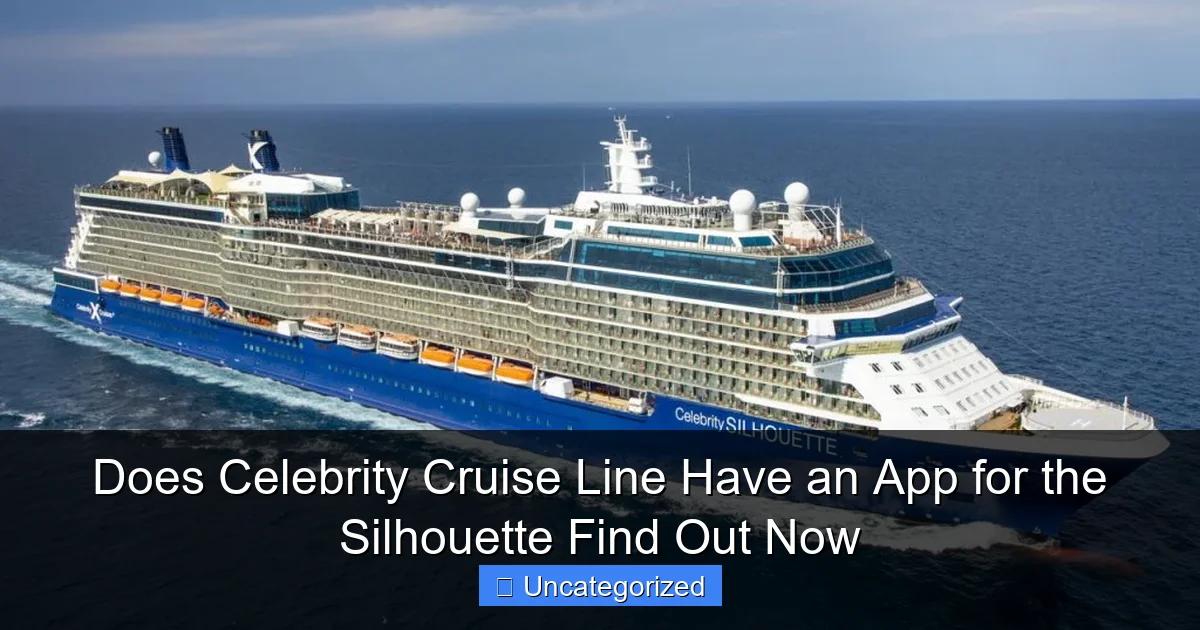
Featured image for does celebrity cruise line have an app for the silhouette
Image source: cruisespotlight.com
Yes, Celebrity Cruise Line offers the Celebrity Cruises app, fully compatible with the Celebrity Silhouette, to enhance your voyage with seamless digital tools. From mobile check-in and real-time itinerary updates to onboard chat and activity bookings, the app puts control at your fingertips. Download it before your cruise to unlock a smarter, more connected experience at sea.
Key Takeaways
- Celebrity Cruise Line has a dedicated app for Silhouette, enhancing onboard experience with key features.
- Download the app pre-cruise to access daily schedules, dining menus, and port guides early.
- Use the app for real-time updates like weather alerts, deck closures, and event changes.
- Manage reservations and bookings directly through the app for seamless trip adjustments.
- Stay connected via free messaging to fellow travelers using the app’s chat function onboard.
- Enable push notifications to never miss a show, activity, or special announcement onboard.
📑 Table of Contents
- Does Celebrity Cruise Line Have an App for the Silhouette? Find Out Now
- Overview of the Celebrity Cruises App
- How to Use the App on the Celebrity Silhouette
- Unique Features of the App for the Silhouette
- Comparing the Celebrity App to Other Cruise Line Apps
- Tips and Troubleshooting for App Users
- Conclusion: Why the Celebrity App Enhances Your Silhouette Experience
Does Celebrity Cruise Line Have an App for the Silhouette? Find Out Now
Embarking on a cruise is more than just a vacation—it’s an experience filled with luxury, adventure, and seamless service. For modern travelers, technology plays a pivotal role in enhancing every aspect of this journey, from booking excursions to ordering room service. Celebrity Cruises, a leader in premium cruise experiences, has embraced digital innovation to ensure guests enjoy a stress-free and personalized voyage. One of the most common questions among cruisers—especially those sailing aboard the Celebrity Silhouette—is: Does Celebrity Cruise Line have an app for the Silhouette?
The answer is a resounding yes, and it’s a game-changer for onboard convenience. The Celebrity Cruises mobile app, aptly named the “Celebrity Cruises App”, is fully functional and optimized for use on the Celebrity Silhouette. Whether you’re planning your itinerary before departure or navigating your way through the ship’s 14 decks, the app serves as your digital concierge. It’s designed to streamline every aspect of your cruise, offering real-time updates, interactive maps, dining reservations, and even digital key access to your stateroom. In this comprehensive guide, we’ll dive deep into how the app works on the Celebrity Silhouette, its key features, setup process, troubleshooting tips, and how it compares to other cruise line apps. By the end, you’ll know exactly how to leverage this tool to maximize your vacation experience.
Overview of the Celebrity Cruises App
What Is the Celebrity Cruises App?
The Celebrity Cruises App is a free, all-in-one mobile application available for both iOS and Android devices. It’s designed to enhance the guest experience from the moment you book your cruise to the day you disembark. Unlike basic itinerary trackers, this app integrates with Celebrity’s onboard systems, allowing for real-time interaction with ship services, entertainment schedules, and even your stateroom. It’s not just a digital brochure—it’s a fully functional cruise companion.
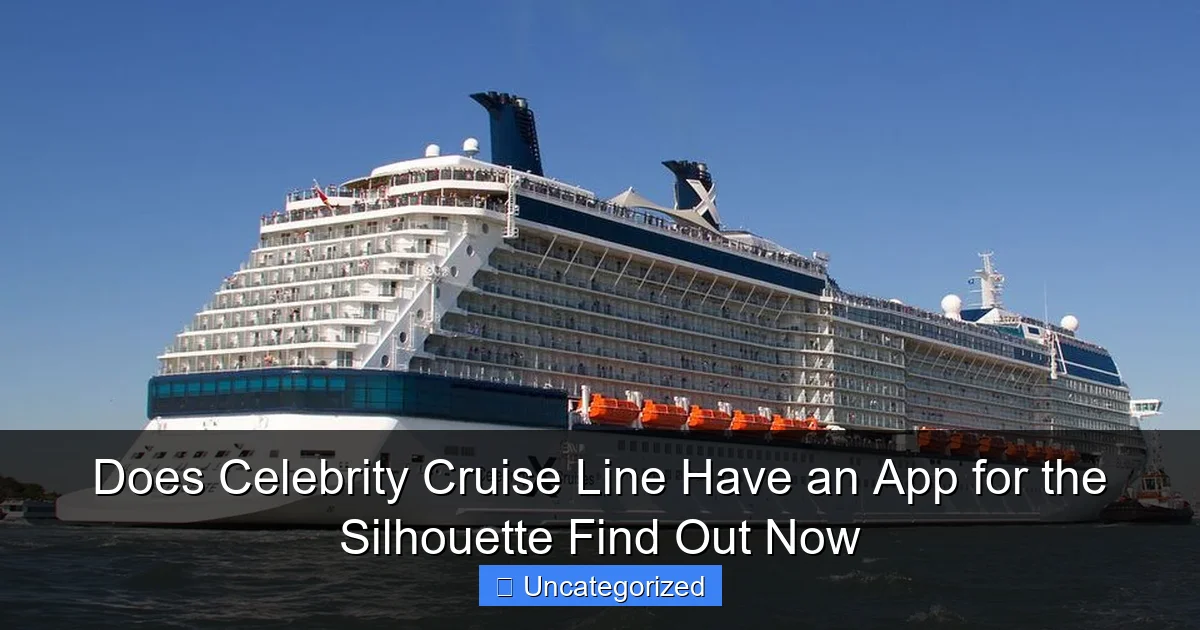
Visual guide about does celebrity cruise line have an app for the silhouette
Image source: tripsavvy.com
Available for download from the Apple App Store and Google Play Store, the app supports all ships in the Celebrity fleet, including the Celebrity Silhouette, a Solstice-class vessel launched in 2011 and refurbished in 2023. The app is updated regularly to reflect new features, seasonal promotions, and ship-specific enhancements, ensuring it remains relevant and useful.
Key Features Available on the Celebrity Silhouette
The app offers a robust suite of tools tailored to the Silhouette’s layout and services. Here are the core functionalities:
- Interactive Ship Map: Navigate the 125,000-ton vessel with ease. The map highlights restaurants, bars, pools, theaters, and specialty venues like the Lawn Club and The Retreat (for suite guests).
- Dining Reservations: Book tables at specialty restaurants such as Le Petit Chef, Murano, and Qzine up to 90 days in advance (for suite guests) or 45 days (for others). View menus and dietary options.
- Daily Planner & Activities: Access the full Today’s Program with showtimes, trivia, fitness classes, and port excursions. Set reminders for events.
- Digital Key: Use your phone as a stateroom key (requires Bluetooth and ship Wi-Fi). Works for all cabin types, including AquaClass and Concierge Class.
- Onboard Chat: Message fellow travelers or crew members (available only when connected to ship Wi-Fi).
- Spa & Fitness Booking: Reserve treatments at the Canyon Ranch SpaClub or fitness classes in the state-of-the-art gym.
- Photo Gallery: View and purchase professional photos taken during events or port stops.
- Port Information: Get details on shore excursions, local weather, and cultural tips for destinations like St. Maarten, Grand Cayman, and Nassau.
Pro Tip: Download the app before your cruise and create a profile. Link your reservation using your booking number or loyalty number (Captain’s Club). This ensures all features are unlocked and personalized upon boarding.
How to Use the App on the Celebrity Silhouette
Step-by-Step Setup and Onboarding
Setting up the app for your Silhouette cruise is straightforward, but timing matters. Follow these steps:
- Download the App: Install it from your device’s app store. Ensure your OS is up-to-date (iOS 12+ or Android 8.0+).
- Create an Account: Use your Celebrity Cruises account or sign up with an email. Link your reservation via the “My Cruises” tab.
- Pre-Cruise Planning: 30–90 days before departure, access your itinerary, dining preferences, and excursion bookings. Upload passport/visa details for faster embarkation.
- Onboard Wi-Fi Connection: Upon boarding, connect to the “Celebrity Cruises” Wi-Fi network (free basic access; premium Wi-Fi packages available). The app will auto-sync with ship systems.
- Enable Bluetooth: Required for the digital key. Go to Settings > Bluetooth and keep it on during your cruise.
- Verify Digital Key: Test it by approaching your stateroom door. A green light indicates success.
Navigating the App Interface
The app’s interface is intuitive, with a bottom navigation bar featuring:
- Home: Overview of today’s events, weather, and port arrival/departure times.
- Map: 3D interactive map of the Silhouette. Tap venues for descriptions, hours, and capacity.
- Dining: Filter by cuisine, dietary needs, or price. Reserve tables or order room service (AquaClass guests).
- Excursions: Browse and book shore tours. Filter by activity type (e.g., snorkeling, cultural tours).
- More: Access spa, fitness, photos, messages, and account settings.
Example: Want to catch the 8 PM show at the Silhouette Theater? Open the “Home” tab, tap “Today’s Program,” and set a reminder. The app will notify you 15 minutes prior. Need a cocktail at The Martini Bar? Use the map to find it on Deck 4, then check the menu under “Dining.”
Offline Functionality and Limitations
While most features require Wi-Fi, the app caches key data for offline use:
- Pre-downloaded maps and itineraries.
- Saved dining reservations and excursion bookings.
- Personal account details and loyalty status.
However, real-time functions (e.g., chat, digital key) require a connection. Tip: Download offline maps and save your itinerary as a PDF before sailing to avoid disruptions.
Unique Features of the App for the Silhouette
Digital Key and Stateroom Access
The digital key is one of the app’s standout features on the Silhouette. After connecting to ship Wi-Fi and enabling Bluetooth, your phone becomes your stateroom key. To use it:
- Open the app and tap “Digital Key” in the “More” section.
- Approach your door (within 3–5 feet).
- Tap “Unlock” on the screen. The door unlocks with a green LED indicator.
Benefits: No more lost key cards, faster access, and reduced contact with surfaces (hygiene-friendly). Note: A physical key is still provided as a backup. The digital key works only on the Silhouette and newer ships with Bluetooth-enabled doors.
Exclusive Access to The Retreat
Suite guests (The Retreat) gain additional app privileges:
- Private Dining: Book tables at Michael’s Club or The Retreat Lounge.
- Dedicated Concierge: Chat with a concierge via the app for personalized service.
- Priority Excursions: Access exclusive shore tours with smaller groups.
For example, a Retreat guest can use the app to reserve a private cabana at the Lawn Club or arrange a sunset cocktail party on their balcony—all without leaving their stateroom.
Interactive Lawn Club and Pool Deck Tools
The Silhouette’s Lawn Club (a half-acre of real grass) and pool decks are central to its charm. The app enhances these areas by:
- Showing real-time availability of cabanas and loungers (via sensors).
- Offering a digital “Lawn Club Menu” with picnic baskets and wine pairings.
- Providing a poolside drink ordering feature (for AquaClass and Retreat guests).
Pro Tip: Use the app to reserve a cabana early—popular slots fill up by 10 AM.
Comparing the Celebrity App to Other Cruise Line Apps
Feature Comparison: Celebrity vs. Royal Caribbean vs. Norwegian
While all major cruise lines offer apps, Celebrity’s stands out in several areas. Below is a data table highlighting key differences:
| Feature | Celebrity Cruises App (Silhouette) | Royal Caribbean App (Anthem of the Seas) | Norwegian Cruise Line App (Norwegian Encore) |
|---|---|---|---|
| Digital Key | ✅ Yes (Bluetooth) | ✅ Yes (RFID/NFC) | ❌ No (key cards only) |
| Interactive 3D Map | ✅ Yes (detailed) | ✅ Yes | ✅ Yes (basic) |
| Onboard Chat | ✅ Yes (Wi-Fi only) | ✅ Yes (free) | ✅ Yes (Wi-Fi only) |
| Pre-Cruise Dining Reservations | ✅ 90 days (suite), 45 days (others) | ✅ 90 days (suite), 30 days (others) | ✅ 45 days (all) |
| Poolside Drink Ordering | ✅ AquaClass/Retreat only | ✅ All guests | ❌ No |
| Offline Map Access | ✅ Yes (cached) | ✅ Yes | ❌ No |
| AI-Powered Recommendations | ✅ Yes (based on preferences) | ❌ No | ❌ No |
Analysis: Celebrity’s app excels in personalization (AI recommendations), accessibility (digital key), and exclusivity (Retreat features). While Royal Caribbean offers broader poolside ordering, Celebrity’s focus on premium service aligns with its brand identity.
User Experience and Reviews
On app stores, the Celebrity Cruises App holds a 4.7/5 rating (iOS) and 4.5/5 (Android). Common praises include:
- “The digital key saved me from losing my card twice!” – Verified User, 2023
- “Booking Murano through the app was seamless.” – Captain’s Club Member, 2022
- “The map helped me find the hidden jazz bar on Deck 5.” – First-Time Cruiser, 2023
Criticisms focus on Wi-Fi dependency and occasional syncing delays. However, Celebrity has addressed many issues through updates in 2023–2024.
Tips and Troubleshooting for App Users
Maximizing the App’s Potential
To get the most out of the app on the Silhouette:
- Download Before Sailing: Avoid slow onboard Wi-Fi during setup.
- Enable Push Notifications: Get alerts for excursions, dining reminders, and weather changes.
- Use the “Favorites” Feature: Save preferred restaurants and activities for quick access.
- Check for Updates: The app updates automatically, but manually check before departure for new features.
- Sync with Family/Friends: Share itineraries via the app’s group planning tool.
Common Issues and Fixes
Even with robust tech, glitches happen. Here’s how to solve them:
- Digital Key Not Working: Restart the app, re-enable Bluetooth, and ensure your phone’s OS is updated. If unresolved, visit Guest Services.
- App Crashes on Ship Wi-Fi: Switch to cellular data (if available) or use the free basic Wi-Fi. Avoid premium Wi-Fi during peak hours.
- Syncing Errors: Log out and back in. If issues persist, contact the IT desk (located on Deck 3).
- Missing Reservations: Ensure your booking is linked to your account. If not, email [email protected] with your reservation number.
Pro Tip: The Silhouette’s crew is trained to assist with app issues. Don’t hesitate to ask a staff member—they’ll often resolve problems in minutes.
Conclusion: Why the Celebrity App Enhances Your Silhouette Experience
The Celebrity Cruises App isn’t just a convenience—it’s a necessity for maximizing your time aboard the Celebrity Silhouette. From the moment you step onboard, the app transforms your phone into a personalized concierge, navigation tool, and social hub. Whether you’re unlocking your stateroom with a digital key, reserving a table at Le Petit Chef, or chatting with friends at the Martini Bar, every interaction feels seamless and tailored. The app’s integration with the Silhouette’s unique amenities—like the Lawn Club, The Retreat, and Canyon Ranch Spa—ensures you never miss a moment of luxury.
Compared to other cruise line apps, Celebrity’s offering stands out for its innovation (digital key, AI recommendations), exclusivity (suite-specific features), and user-centric design. While minor issues like Wi-Fi dependency exist, Celebrity’s responsive tech team and frequent updates demonstrate a commitment to continuous improvement. For cruisers, this means peace of mind and more time to enjoy what truly matters: the journey. So, does Celebrity Cruise Line have an app for the Silhouette? Absolutely—and it’s your ticket to a smarter, smoother, and more memorable vacation. Download it today, and let the adventure begin.
Frequently Asked Questions
Does Celebrity Cruise Line have an app for the Silhouette?
Yes, Celebrity Cruise Line offers the Celebrity Cruises app, which fully supports the Celebrity Silhouette. The app provides access to daily schedules, dining reservations, and stateroom controls while onboard.
What features does the Celebrity Cruises app offer for the Silhouette?
The app lets you view your itinerary, book shore excursions, order room service, and even unlock your stateroom door (on select ships). For the Celebrity Silhouette, it’s a must-have for seamless onboard navigation.
Is the Celebrity Cruises app free to use on the Silhouette?
Yes, the app is free to download and use. However, a Wi-Fi package (sold separately) is required to access most features while onboard the Celebrity Silhouette.
Can I use the Celebrity Cruises app to check in before my Silhouette cruise?
Absolutely! The app streamlines pre-cruise tasks like check-in, uploading travel documents, and selecting arrival times. This saves time at the terminal for your Celebrity Silhouette voyage.
Does the app work offline on the Celebrity Silhouette?
Some features, like viewing your daily schedule or saved excursion details, are available offline. However, real-time functions (e.g., dining reservations) require an active Wi-Fi connection onboard the Silhouette.
How do I download the Celebrity Cruises app for my Silhouette cruise?
The app is available on the App Store (iOS) and Google Play (Android). Search “Celebrity Cruises” and download it before your Silhouette sailing to set up your profile in advance.